
Your first request
Send a request, save it to a collection, parameterize it with an environment.
This walkthrough takes about five minutes. By the end you’ll have:
- A workspace with one collection.
- A saved
GETrequest against a public API. - An environment with a base URL variable.
- A test script asserting the response.
1. Create a workspace
Workspaces are top-level containers — think one per project or per client. On first launch Relay creates a Default workspace; you can rename it or add more from the workspace switcher in the top-left.
2. Send an ad-hoc request
- Press
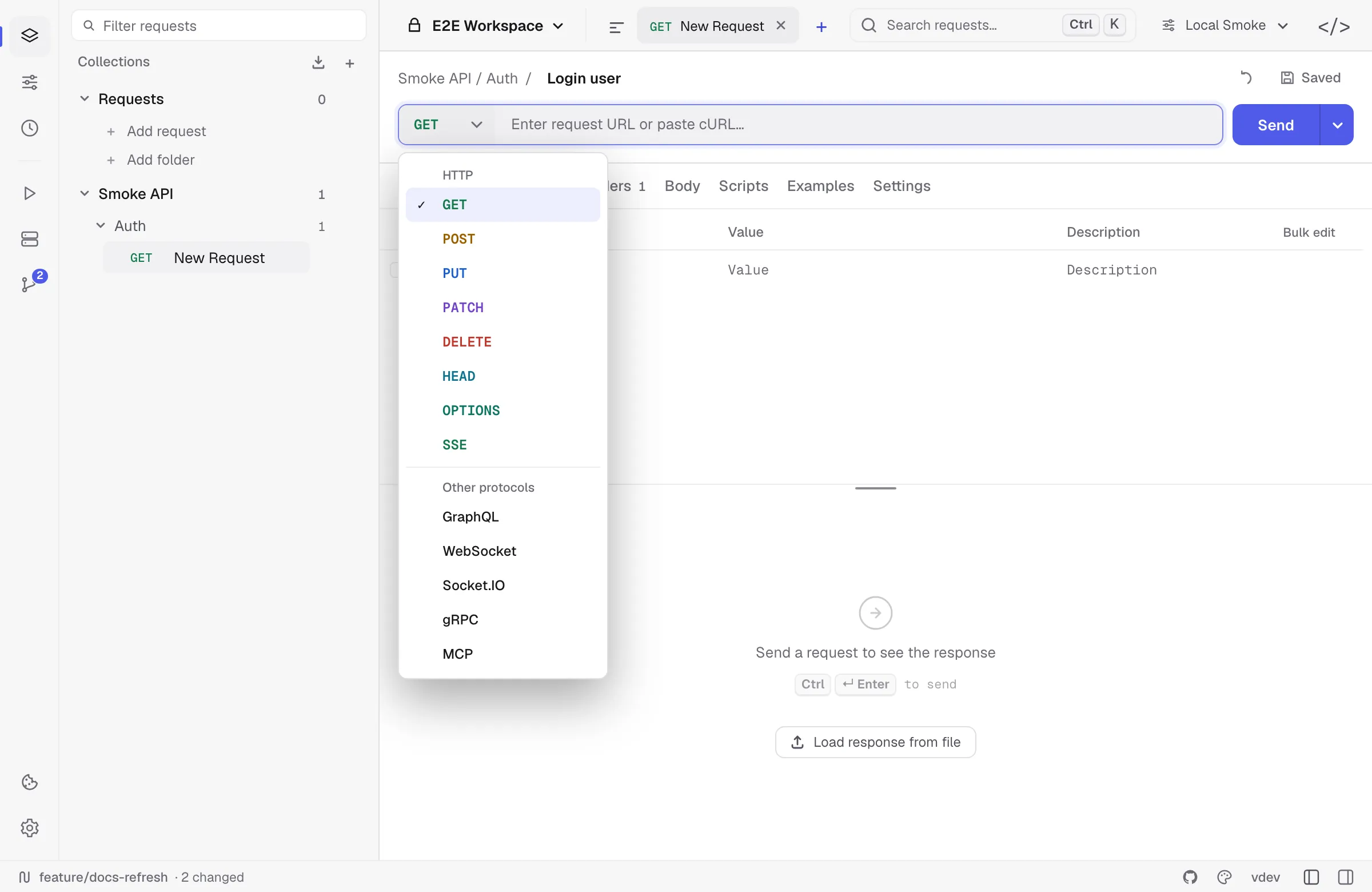
Cmd/Ctrl Nor click+in the tab bar — a new HTTP request opens right away. Other protocols live in the picker at the start of the address bar. - Paste
https://httpbin.org/get?lang=go&runtime=wailsinto the URL bar. - Hit
Cmd/Ctrl Enter(or click Send).
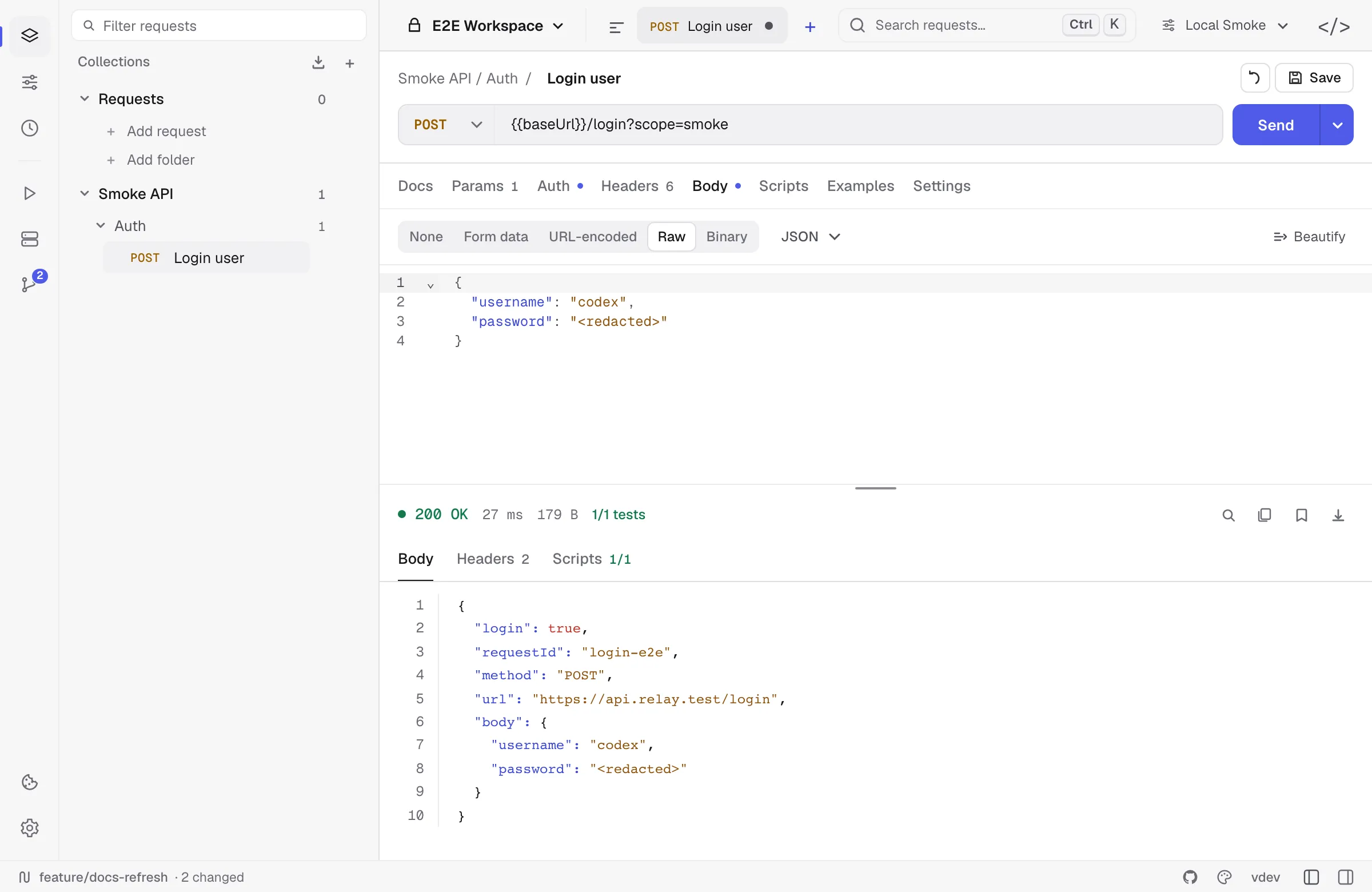
The response panel shows the JSON body with syntax highlighting, response headers, timing, and size.

Tip: you can paste a
curl ...command into the URL field — Relay will parse method, headers, params, and body automatically.
Bulk edit
Params, Headers, and the form body types each have a Bulk edit toggle that swaps the table for its text form — one key:value per line, with // in front of a line to disable it:
Content-Type:application/jsonAuthorization:Bearer {{token}}//X-Debug:1It is the quickest way to paste a block of headers from somewhere else, or to add and reorder a dozen rows at once. Switching back rebuilds the table. Descriptions and attached files stay with their key, so a round trip through bulk edit does not lose them.
3. Save it to a collection
- Click Save (or
Cmd/Ctrl S). - Pick + New collection, name it
Examples, and save the request asGet with query.
The request now lives in the sidebar tree. Drag-and-drop reorders requests and folders.
4. Parameterize with an environment
Hard-coded URLs don’t survive across staging and prod. Replace the host with a variable:
- Open Environments in the side panel, click + to create
Local. - Add
baseUrl = https://httpbin.org. - Activate
Localfrom the environment switcher. - Edit the request URL to
{{baseUrl}}/get?lang=go&runtime=wails. - Send again — same result, but now portable.
See the environments guide for active environments, collection variables, and script-created values.
Use the Headers tab for API-specific metadata such as trace IDs, content negotiation, or custom client headers:
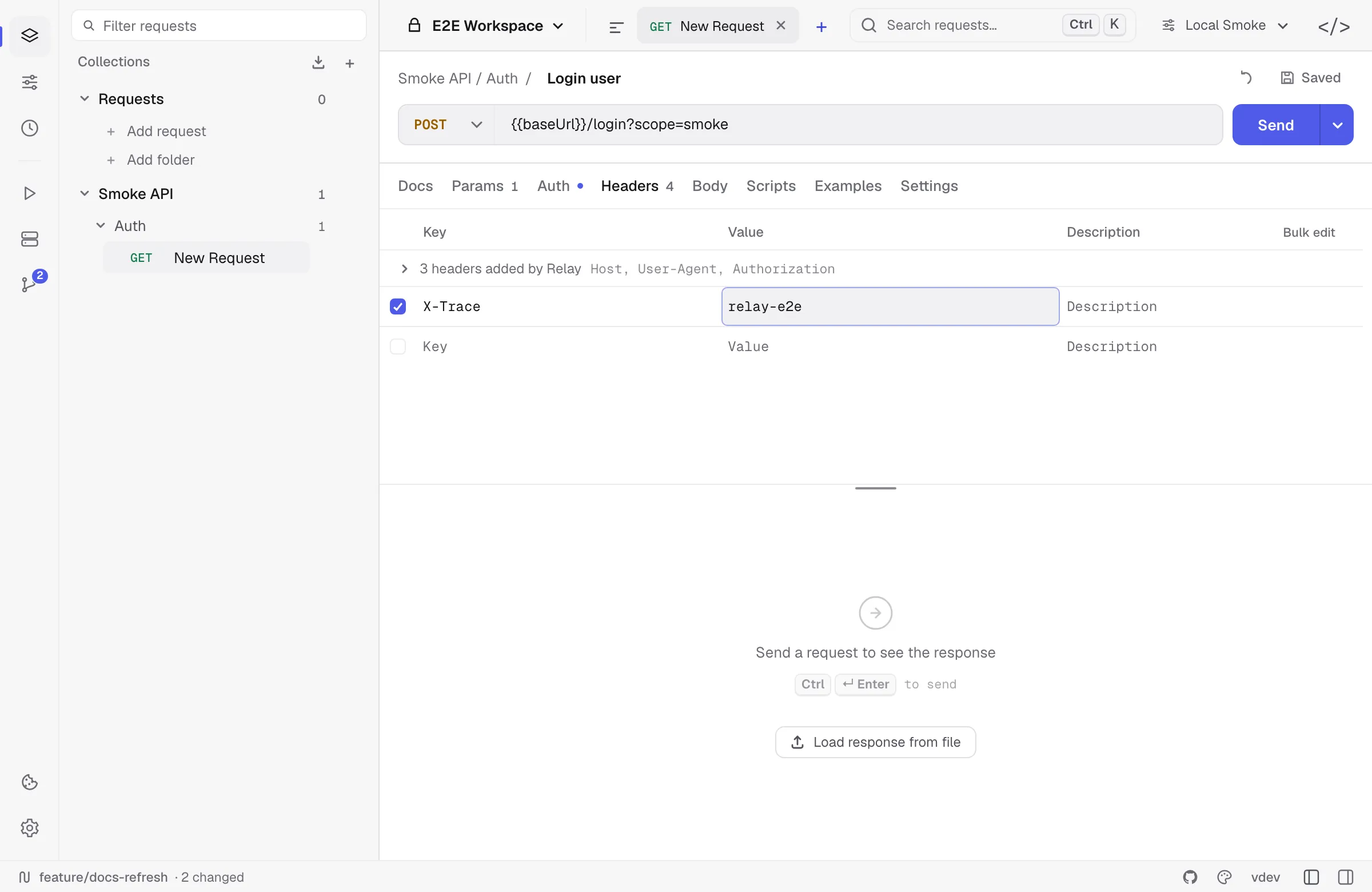
Host works here: set it to reach a virtual host or a service behind a load balancer, and the connection still goes to the URL’s address. A handful of others — Content-Length, Transfer-Encoding, Connection, Upgrade, Keep-Alive, TE, Trailer, and the Proxy-* pair — control how the request is framed on the connection, so Relay sets them itself and does not send yours. When you have one enabled, the response panel says which ones were left off rather than letting you wonder why the server ignored them.
5. Assert with a test script
Open the Scripts tab on the request and paste:
pm.test("status is 200", () => pm.response.to.have.status(200))
const body = pm.response.json()pm.test("query is echoed back", () => {  pm.expect(body.args.lang).to.equal("go")})
Send the request again. Your tests show green in the response Scripts panel.
Next steps
- Configure auth — Bearer, OAuth2, AWS SigV4, etc.
- Import an existing collection.
- Full scripting API.